Cut and Fill Earthwork Volume Calculations in Civil 3D
Master the three Civil 3D workflows to calculate accurate earthwork volumes.
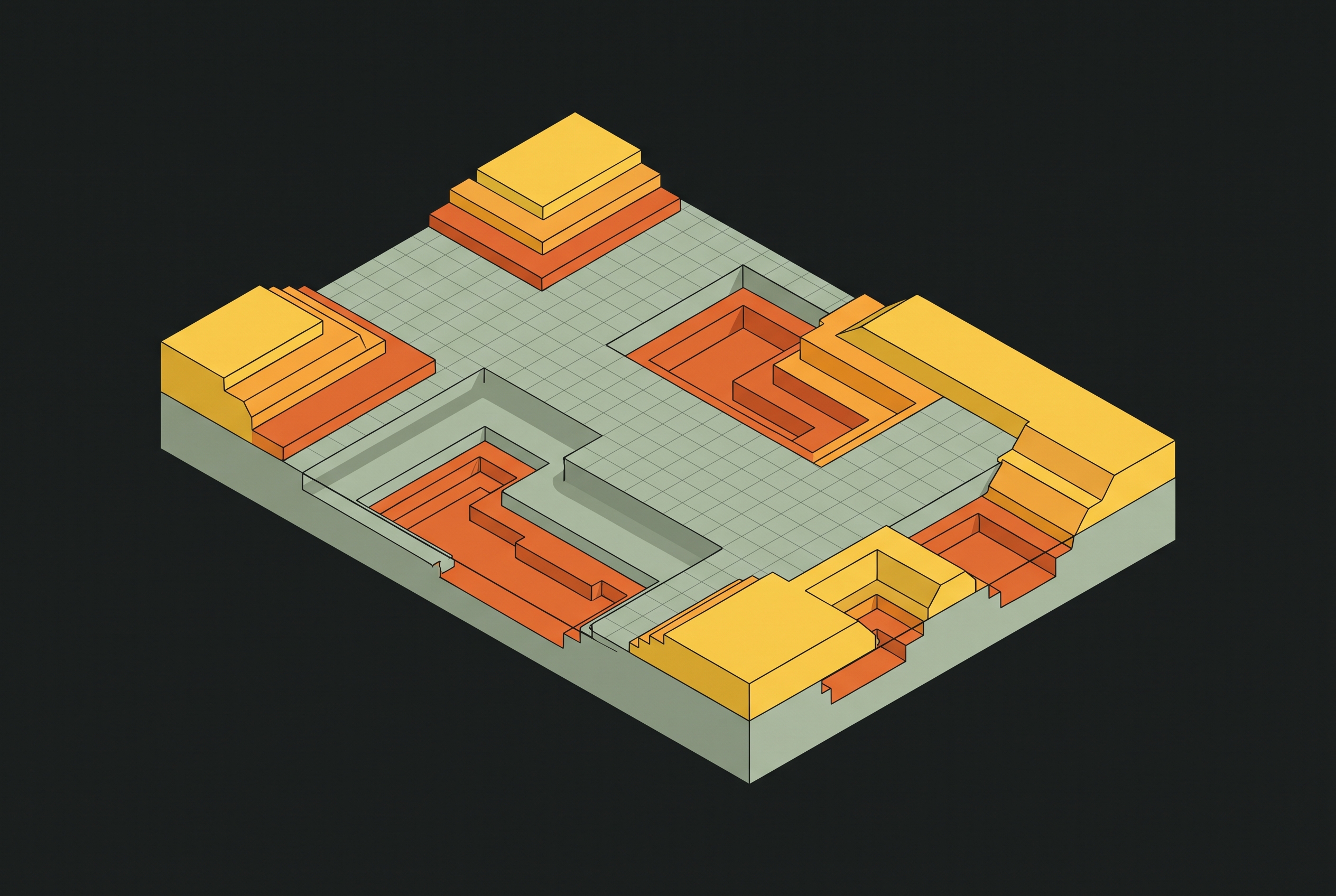
Earthworks define the cost envelope of most civil projects. The difference between an accurate cut and fill estimate and a flawed one shows up in tender pricing, cash flow, and the construction programme long before any material moves. Civil 3D offers three workflows for calculating these volumes: TIN Volume Surface comparison, corridor volume reports, and mass haul analysis. The wrong choice for the project type produces unreliable output even when the setup is otherwise clean.
The governing principle is simple. Wherever a design surface sits below the existing ground, material must be cut. Wherever it sits above, material must be filled. The volume between the two surfaces gives the total earthwork quantity. This surface-comparison approach yields prismoidal volumes, which integrate the area between surfaces across the project extent and remain the preferred method for accuracy in modern practice. The average end area method is less precise but is sometimes contractually specified, and Civil 3D supports both.
That simplicity hides a discipline. Every calculation downstream depends on how faithfully the two surfaces represent the ground as it is and the ground as it will be. A surface that misrepresents terrain produces numbers that look precise and are nonetheless wrong. The workflow that follows treats surface quality as the foundation, method selection as the engineering decision, and interpretation as the final safeguard before quantities inform money.
What makes a surface trustworthy enough to calculate volumes from
Surface quality is the single largest variable in volume accuracy. If the existing ground surface is poorly triangulated, with incorrect TIN connections across valleys or ridges, you get significantly erroneous volume calculations even when the downstream workflow runs correctly. No amount of care in setting up a volume surface compensates for a base surface that does not truthfully represent the terrain.
The data source for the existing ground surface sets the ceiling on what is achievable. Survey point data, CSV files from total station or GNSS surveys, is accurate when field collection is clean and remains the standard for final quantities. Point cloud data from laser scanning or photographic surveys is dense and accurate if you process it correctly. Contour data such as OS Terrain 50 or OS Terrain 5 is acceptable for preliminary design, but its resolution limits accuracy for final quantities. LandXML surfaces exported from other design software or provided by clients need coordinate system verification before you use them.
Before a surface feeds any volume calculation, a pre-build audit prevents the errors that are most expensive to find later. You must remove stray zero-elevation nodes, because one Z=0 point pulls the TIN mesh downward and corrupts the entire volume result. Contour lines need true 3D polyline geometry with accurate Z-elevations assigned, not flat 2D objects that look right in plan and measure wrong in elevation. Coordinate system transformations must be verified when importing GIS data to prevent horizontal and vertical shifts that invalidate volume reports.
After the surface is built, visual and statistical checks confirm that the TIN represents the terrain. Viewing the surface in 3D shows whether saddles, ridges, and drainage channels read true. Surface statistics, particularly the number of triangles, maximum and minimum elevations, and maximum triangle length, reveal anomalies that signal misconnected TIN edges. Breaklines along sharp terrain breaks such as curb lines, channel edges, and embankment toes force the TIN to follow actual geometry, so it does not interpolate across them. The proposed design surface, generated from a corridor model, a grading solution, or built manually from feature lines, contours, or design point data, deserves the same scrutiny.
Building the existing and proposed surfaces in Civil 3D
Both volume calculation methods require properly defined existing ground and proposed design surfaces in Toolspace before any calculation can run. The steps are straightforward, and they must be treated as the shared foundation beneath everything that follows. Creating the existing ground surface begins in Toolspace. On the Prospector tab, right-click Surfaces and choose Create Surface. Set the type to TIN Surface and name it EG_Surface or a firm standard equivalent. With the surface definition expanded, right-click Point Groups or Contours to assign the survey data. A boundary should exclude data outside the project area so the TIN does not interpolate across empty space.
The proposed surface follows the same sequence, named FG_Surface or Proposed Earthworks. For site grading projects it is built from feature lines, grading objects, or imported design contours. For corridor projects the design surface is generated directly from the corridor model, and the corridor must reference the existing ground surface as a target in its properties so elevations relate correctly. The same audit checks applied to the existing surface apply here: no erroneous elevations, no zero-elevation artifacts imported with the data. Once both surfaces exist and read true in 3D, the volume calculation can begin.
Method 1: TIN Volume Surface for site-wide cut and fill
The TIN Volume Surface is the fastest route to total site cut and fill quantities, and it is the right choice for area-based projects: building pads, site platforms, and any project where grading is not tied to a corridor. It produces the site-wide totals that drive cost planning for a development or industrial site. Creating the volume surface starts in Toolspace by right-clicking Surfaces and choosing Create Surface, then setting the type to TIN Volume Surface. The Volumes Dashboard offers an alternative path through the Analyze tab. The surface needs a meaningful name, such as Cut and Fill or Topsoil Volume, with the existing ground assigned as the base surface and the proposed design as the comparison surface. Cut Factor and Fill Factor remain at 1.0 for now. Swell and shrinkage belong to a later stage. Civil 3D overlays the triangulation of both input surfaces and computes vertical separation at each triangle vertex to generate the volume surface.
Reading the results happens in Surface Properties on the Statistics tab, where the Volume section shows cut volume, fill volume, and net volume in cubic metres. Cut appears where the design sits below existing ground, fill where it sits above. The sign convention varies by software version, so it must be confirmed before any figure leaves the office. The volume surface recalculates automatically when the underlying surfaces change, provided the volume surface is set to its automatic rebuild mode, which matters during iterative design. The Volume Dashboard report, generated directly from the dashboard, contains total cut volume, total fill volume, and net earthwork balance in exportable form.
Visualizing cut and fill helps both communication and error detection. In Surface Properties on the Analysis tab, setting Analysis Type to Elevations with two ranges produces a color-coded plan: Range 1 below 0.00 in red for cut, Range 2 above 0.00 in green for fill. The map shows earthwork patterns to clients and contractors and exposes anomalies in the calculation that raw numbers conceal. A No Display style keeps the volume surface out of the drawing when it exists only to supply statistics. An elevation or analysis style is used when the cut and fill map is a required deliverable.
Method 2: Corridor volume reports for linear infrastructure projects
For roads, railways, and other linear projects, volumes generated directly from the corridor model serve better than a site-wide TIN Volume Surface because they tie quantities to chainage. Earthwork programming and logistics operate by section, and corridor reporting delivers quantities in that form from the outset. The prerequisites are the same surfaces built earlier, with one addition. The corridor must have a design surface created from it, and the existing ground must be referenced as a target in the corridor properties so the corridor knows where to measure cut and fill from. With the corridor selected, the Analyze tab opens the Volumes Dashboard, or the Report menu accesses corridor reports through the markup-based reporting system. The dashboard provides cut and fill volumes between stations, cumulative cut and fill from the project start, and real-time updates as the corridor design changes.
The cross-section method offers an alternative when the contract requires average end area volumes or volumes at specific station intervals for billing. An alignment is created along the road centreline, then sample lines are generated at regular station intervals using Home, Sample Lines, and By Range of Stations from the Sample Line Tools toolbar. Right and left swath widths are set to capture the full earthwork zone. Going to Analyze and Compute Materials, the alignment and sample line group are selected, with the existing ground assigned as the base surface and the corridor design surface as the datum. Material criteria define cut as anything below existing ground and above the corridor datum, and fill as anything above existing ground and below the datum. Section views generated with Create Multiple Section Views display color-coded cut and fill areas per station, and volume tables added to those views support reporting. Quantity Takeoff Criteria settings, found in Toolspace under Settings, control how materials are defined and how shape styles render in section views.
Applying swell and shrinkage factors to produce construction-ready numbers
Raw Civil 3D volumes are bank-measure quantities. They reflect material in its undisturbed in-ground state, and they must be adjusted for swell and shrinkage before they can drive cost estimates, haul calculations, or material orders. The basic rule is that more volume is always transported than what sits in the ground, whether removing cut or importing fill. Excavated material expands when loosened and occupies more space in a truck than it did in place.
Civil 3D applies these adjustments where the volume surfaces are defined. In the TIN Volume Surface properties, the Cut Factor and Fill Factor fields adjust the reported volumes. A fill factor of 1.1 means that for every cubic unit of fill volume needed in place, 1.1 cubic units must be hauled in. The surface reports both unadjusted and adjusted volumes, so you can see the raw math alongside the construction reality.
Factor values must come from the project geotechnical report. No generic number should be assumed without it. Clay-heavy soils commonly need a meaningful shrinkage factor on cut volumes, so final grade reaches design elevation after compaction. Factors vary by soil type, compaction specification, and moisture condition, and using wrong values produces budget overruns that can equal the cost of avoidable material imports or off-site disposal. After setting factors, a sensitivity check varies the platform elevation by a small increment, such as ±100 mm, to see how the earthwork balance responds to minor design changes. This is essential on projects with tight cost constraints or limited on-site storage for excess material.
Mass haul analysis and when it changes the earthwork strategy
Mass haul analysis goes beyond total cut and fill quantities, because it optimizes where material moves. It minimizes haul distance and identifies where import or export is unavoidable, and it becomes essential once a project is large enough that material logistics drive cost as much as volume does. What mass haul produces is cumulative cut and fill along the corridor, the basis for a mass haul diagram. The diagram shows where the project transitions from net cut to net fill and where material must cross between zones. It identifies free haul zones, where material moves within a contracted distance at no extra cost; overhaul, where material moves beyond that limit at additional cost; and borrow or waste, where import or export is required. This breakdown ties directly to contract payment items, making the analysis a cost-planning tool rather than only a quantity tool.
The practical trigger is easy to recognize. If a corridor volume report shows the project broadly balanced but the cut and fill zones sit far apart along the alignment, a balanced total conceals expensive overhaul, and mass haul analysis exposes it. If the contract defines free-haul and overhaul distances, mass haul analysis is the only way to correctly split payment quantities. It is not needed on every project, but when it is needed, nothing else substitutes.
Interpreting volume reports and catching errors before they leave the office
A volume report that passes a sanity check is worth more than a precise-looking number that conceals a surface error. Final interpretation is where professionals catch mistakes the software cannot, and it begins with comparing cut and fill totals against a hand-estimate or prior-phase estimate. An order-of-magnitude disagreement signals a surface problem, not a design change. The sign convention must be confirmed, since software versions differ in which value they call cut and which they call fill. The volume surface boundary must match the project boundary, because volumes calculated over a larger or smaller area than intended produce systematically wrong totals. The color-coded plan deserves scrutiny for isolated red or green islands that do not match design intent, since these typically indicate rogue data points or surface artifacts in the underlying TIN.
When errors appear, the common sources are known. Mismatched coordinate systems between the existing and proposed surfaces let the surfaces appear to compare correctly in plan while they are offset vertically, inflating cut or fill in one direction. A missing boundary on the volume surface lets the TIN extrapolate beyond the project area and count phantom volumes. If zero-elevation artifacts slipped past the pre-build audit, you need to revisit the existing surface, identify the offending points, remove them, and rebuild.
Volume tables added to section views on corridor projects give you a station-by-station record that supports both billing and construction planning. Every quantity that leaves the model for cost planning or tender should carry a note of the surface version, the calculation date, and the cut and fill factors applied, so that when the design changes, the quantities can be confidently re-run and the delta explained. The tool accelerates the work, but the engineer owns the result. Volumes are not final until a licensed engineer has reviewed the surfaces, checked the inputs, and signed off on the output.
Notes
- Civil 3D Cut & Fill Quantity Takeoff
Informed the coverage of TIN Volume Surface setup, cut and fill factor application, and the Volumes Dashboard workflow.
- Earthwork quantities
Provided technical detail on corridor volume reporting, sample line generation, and Compute Materials workflow for linear projects.
- 5 Civil 3D Tips for Earthwork Estimation - GetRenewedTech UK
Contributed tips on surface quality checks, breakline use, and sensitivity analysis for earthwork balance.
Every new piece from Grading Bench, as it's published.
Follow