Civil 3D Surface Creation From Survey Data
Errors in surface creation cascade through every Civil 3D calculation downstream.
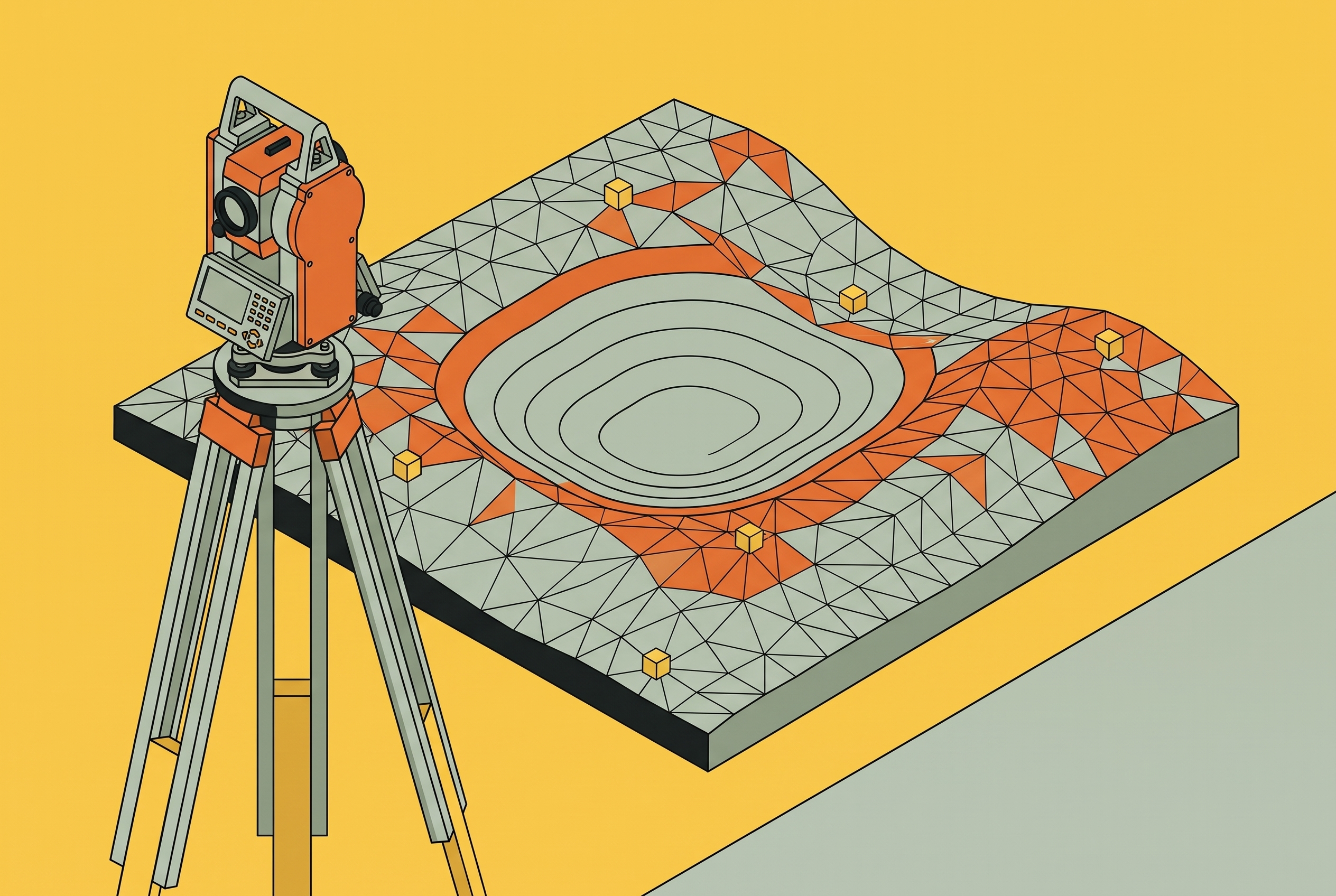
Every grading plan, volume report, and storm pipe slope designed in Civil 3D traces back to a single object: the TIN surface. An error introduced at the moment that surface is created does not stay contained there. It moves invisibly into every calculation built on top of it: the surface is the numeric model Civil 3D uses to compute elevations, slopes, and volumes, so a flawed input produces a flawed computation.
The mistake that produces this outcome is a familiar one: treat surface creation as an import step, dump every available point in, build the TIN, and move on to the parts of the project that feel like design work. ZenTek Consultants frames the consequence of that habit directly: anyone can draw a surface in Civil 3D, but few build one where the grading is right, the volumes are defensible, and the drawings that get stamped actually reflect the ground. The rest of this piece walks through the sequence that closes the gap between a surface that looks fine in plan view and one that can be trusted under analysis.
Survey data formats Civil 3D can ingest
Closing that gap starts with an honest look at what "feeding the surface" actually means, because the data a surveyor hands off rarely arrives in one tidy format. Field survey data comes in several distinct forms, and the form it takes changes how Civil 3D processes it. If you choose the wrong import path for a data type, that is where errors enter the project, often before anyone opens the Surface tools.
Total station surveys produce FBK, or field book, files. GNSS surveys and simple topographic surveys typically arrive as CSV or TXT files listing point number, easting, northing, elevation, and description, which makes this the most direct and common import path available. LandXML, an open XML format used widely across survey organizations, carries richer datasets that bundle control network definitions alongside point data, and Civil 3D imports it directly. LiDAR and UAV photogrammetry surveys produce point clouds in LAZ or LAS format. Point cloud data also demands a classification step before it reaches a surface at all: ground points must be separated from buildings, trees, and utility structures, because skipping that step means the TIN triangulates rooftops and tree canopy as if they were terrain.
Civil 3D's survey tools span this whole range, from raw observation import to a finished existing ground surface. No single import path is more correct than another; each matches a specific survey method, and the engineer's job is to recognize which one the incoming data requires.
Setting up the Survey Database before importing anything
Once the data format is understood, the next decision is where that data lands inside Civil 3D, and the answer is rarely "straight into the drawing." Creating and configuring the Survey Database before importing field data gives Civil 3D the structure to process observations correctly, generate figures automatically, and keep survey data accessible across every drawing in the project.
The database stores information outside the DWG itself, so you can reference the same survey data from multiple drawings at once, which matters when design and survey work run on parallel schedules. Setting up a comprehensive prefix library takes real time, but it pays off across every subsequent project that uses the same coding convention.
Skipping the database and importing points directly into the drawing forfeits all of it: no automatic figure generation, no traverse processing, no least squares adjustment, and no way to trace a questionable coordinate back to the raw observation that produced it.
Processing traverse observations and verifying the control network before building anything
Once the database is in place and you import an FBK file into it, Civil 3D reads each observation, applies atmospheric corrections and instrument offsets, and then computes derived coordinates. That computation depends entirely on the control network being properly defined first. The traverse must be adjusted and its misclosure checked before any resulting coordinate is trusted. A surface built on unverified observations is a surface built on an unknown quantity, no matter how clean the resulting contours appear.
Civil 3D's Network Least Squares Adjustment reads the imported observations, applies the instrument-derived standard deviations configured earlier in the equipment database, and solves for the most probable coordinates across the traverse network. UK survey standards set traverse misclosure limits at 1:10,000 for engineering surveys and 1:20,000 for higher-accuracy work, because if a misclosure exceeds those thresholds, you cannot rely on the coordinate positions themselves. A traverse's derived coordinates should feed a surface only after it passes adjustment, because then they represent the best achievable fit to the control network, not raw, unreconciled field readings.
Building point groups with deliberate query criteria instead of using all points
With coordinates verified, the next question is which of them belong in the surface, and that decision runs through Point Groups by default. Using every available point to build the TIN is one of the most reliable ways to produce a surface that does not represent actual terrain, because not every surveyed point was ever meant to define ground. Control points, utility flag shots, offset shots, and reference marks exist to support the survey, not to describe elevation, and folding them into the TIN creates triangulation artifacts that stay hidden until contours expose them.
Point Groups, found in Civil 3D's Prospector tab, are built from query criteria: description key, elevation range, or point number range. Those criteria do more than filter the current dataset. ZenTek Consultants makes the same case directly: a point group needs clear, repeatable query criteria so the surface rebuilds correctly every time new data comes in from the field. Separate groups for distinct feature types, road centerline shots, top-of-curb and bottom-of-curb shots, open topo, give an engineer direct control over what enters a given surface and make it straightforward to isolate a category of data if the surface starts behaving oddly.
Well-filtered point groups with clean elevation data can produce an acceptable existing ground surface on their own, with minimal editing required afterward. A description like "EG" can mean different things depending on which crew logged it. Query logic built on verified criteria holds up better than manual filtering every time a new dataset lands on the project.
Where breaklines are placed in the TIN
Point groups answer which points participate in the surface, but that filtering alone cannot fix how the TIN behaves between those points, and this is where breaklines become the central technical decision in the entire sequence. Without a breakline at every significant grade change, Civil 3D interpolates smoothly across features that are not smooth at all, producing a model that looks continuous where the real ground has edges, drops, and sharp discontinuities.
A breakline instructs Civil 3D not to interpolate across a line but to follow it exactly, which matters anywhere elevation changes abruptly: top and bottom of curb, edge of pavement, ditch flow lines, retaining wall faces. ZenTek Consultants describes the mechanism concretely: triangles crossing a wall without a defined breakline produce a sloped surface; once that wall is defined as a breakline, the triangles fall on one side or the other and create a fold, so the surface becomes an actual wall.
Breaklines, 3D polylines, and feature lines can all serve as breakline inputs in Civil 3D, but outside the surface they remain distinct objects with different capabilities. Omitting breaklines remains the single most common reason a surface that looks correct in plan view returns wrong contours, wrong slopes, and wrong pipe inverts the moment analysis runs on it.
Setting surface boundaries to contain triangulation at the data edges
Breaklines govern geometry inside the surveyed area. Boundaries govern what happens at its edges, so if there is no outer boundary, Civil 3D triangulates between sparse edge points and produces stretched, geometrically false triangles right where the site boundary tends to matter most. Where points thin out at the survey's edge, triangles stretch long and connect points that were never meant to relate to one another, and the contours that result in those zones are fiction.
A hidden boundary serves an entirely different purpose: it tells Civil 3D to exclude elevation data within a defined interior area, a function used for building footprints and pads where contours should not cross. ZenTek Consultants describes the outer boundary as keeping a surface from triangulating into nonsense at the edges of the data, and that description holds up: the outer boundary is a data integrity control, not a cosmetic trim applied for a cleaner-looking drawing. It should follow the actual extent of reliable survey coverage, not the property line or the project limit, since those are different things entirely, and treating them as interchangeable produces a surface that claims an accuracy it does not have.
Configuring build options to catch blunders before they become surface defects
Point groups, breaklines, and boundaries define what goes into the TIN and where its edges sit. Build options are the last filter before Civil 3D computes the surface; they are not defaults to leave untouched. If you set them deliberately, you remove entire categories of obvious error before they ever reach the surface.
Elevation exclusion thresholds let you set upper and lower bounds on acceptable elevation values, so points outside that range get excluded from the TIN automatically instead of needing a manual hunt through the dataset. None of this replaces manual review. It clears away the obvious blunders so the manual review that follows can focus on genuinely ambiguous cases.
Validating the finished surface before trusting anything downstream
A built surface is not the same thing as a validated one. Visual inspection of contours catches some problems, but if you use Civil 3D's analysis tools systematically, that is what makes a surface defensible under scrutiny. The first check is visual: contours should follow the terrain in a way that makes physical sense, with no spikes, pits, or crossed lines signaling a point error or a missing breakline.
Elevation banding and slope arrow analysis surface irregularities invisible in plan view. Aidedo's QA/QC process folds in a further step, using the Object Viewer to inspect the surface in three dimensions for abnormal high or low points, and confirming that every critical breakline, curbs, edges of pavement, retaining walls, is present with TIN triangles aligning correctly along it.
Validation is not a single event performed once and filed away. The airport runway extension scenario described by Esri illustrates the stakes: new survey points gathered for the northeast portion of a site were incorporated into a named version, the surface was rebuilt, and the result was a richer, more accurate TIN, but only after that rebuild and a fresh synchronization for team review. Supplementary field data filling gaps in an initial surface is a common occurrence on larger sites, and each time it happens, the surface must be rebuilt and revalidated, since new points can create new triangulation problems right at the boundary between old and new data.
Multi-team and multi-survey workflows and their additional failure points
On a project where surveyors and designers work at the same time, the risk shifts. It is no longer only about bad inputs reaching the surface; it is about a designer building downstream work on a version of the surface the survey team has already revised, without anyone flagging the change. When data arrives from multiple field crews at different points in the schedule, the surface is never a finished product at the moment of import. It is a working model that gets revised as coverage gaps come to light and get filled.
If there is no versioning structure, a civil designer who adds new GIS-sourced points and rebuilds the surface can overwrite data the survey team already reviewed and approved. Esri's ArcGIS for AutoCAD workflow addresses exactly this through branch versioning: each team member works inside a named branch, synchronizes changes for review, and only approved changes get posted to the default authoritative version, with the GIS manager able to see who made each change and when. Once changes are reconciled and posted, outdated branches get archived or deleted, keeping the project data clean and every contributor's work traceable and reversible if a problem turns up later.
The same principle holds for firms running Civil 3D without ArcGIS in the stack.
What a reliable surface enables downstream
A surface built through this full sequence, verified control, deliberate point groups, correctly placed breaklines, properly set boundaries, configured build options, and systematic validation, passes its reliability downstream. If you build grading plans on a validated TIN, the cut and fill calculations hold up under review, because you have already checked the elevations they reference against control. Drainage analysis and pipe slope design depend on the surface being accurate at the locations breaklines were required, the curb face, the ditch center, the edge of pavement, and this sequence forces those locations to be addressed explicitly.
The sequence is what separates a model that can be stamped from one that looks right until somebody runs a calculation against it. An AI tool that produces a plan set or a drainage report is only as reliable as the surface it reads from, so the discipline of surface creation is where the quality of an entire project actually gets set. Firms using a purpose-built AEC AI platform can assign surface-related tasks, organizing point groups, flagging surface anomalies, generating reports, to an AI that works inside Civil 3D and understands the firm's own standards. The reviewed-and-stamped accountability for the surface itself still rests with the licensed engineer who ran the sequence.
Notes
- Mastering Civil 3D Surfaces - Part 1: Building Surfaces from Survey Data
Provided the framing around what separates a defensible surface from one that merely looks correct, and specific descriptions of how breaklines, boundaries, and point group criteria function in Civil 3D.
- Civil 3D Survey Tools & Field Data
Supplied details on Civil 3D's survey tool range, traverse misclosure limits for engineering and high-accuracy surveys, and the systematic use of analysis tools for surface validation.
Every new piece from Grading Bench, as it's published.
Follow